How LLM Observer Works
A step-by-step walkthrough of every screen, from your first install to tracking real-time cost across every AI tool on your machine.
Install & run
Install the CLI and start the local proxy and dashboard with a single command. LLM Observer auto-detects your existing AI tool history (Claude Code, Cursor, Aider, GitHub Copilot, Windsurf, Cline, and OpenAI Codex CLI) and boots the dashboard at http://localhost:4001 - no account, no cloud sign-up. Prefer a native app? Download the signed desktop installer from GitHub Releases instead.
npm install -g llm-observer
llm-observer start
Control Room
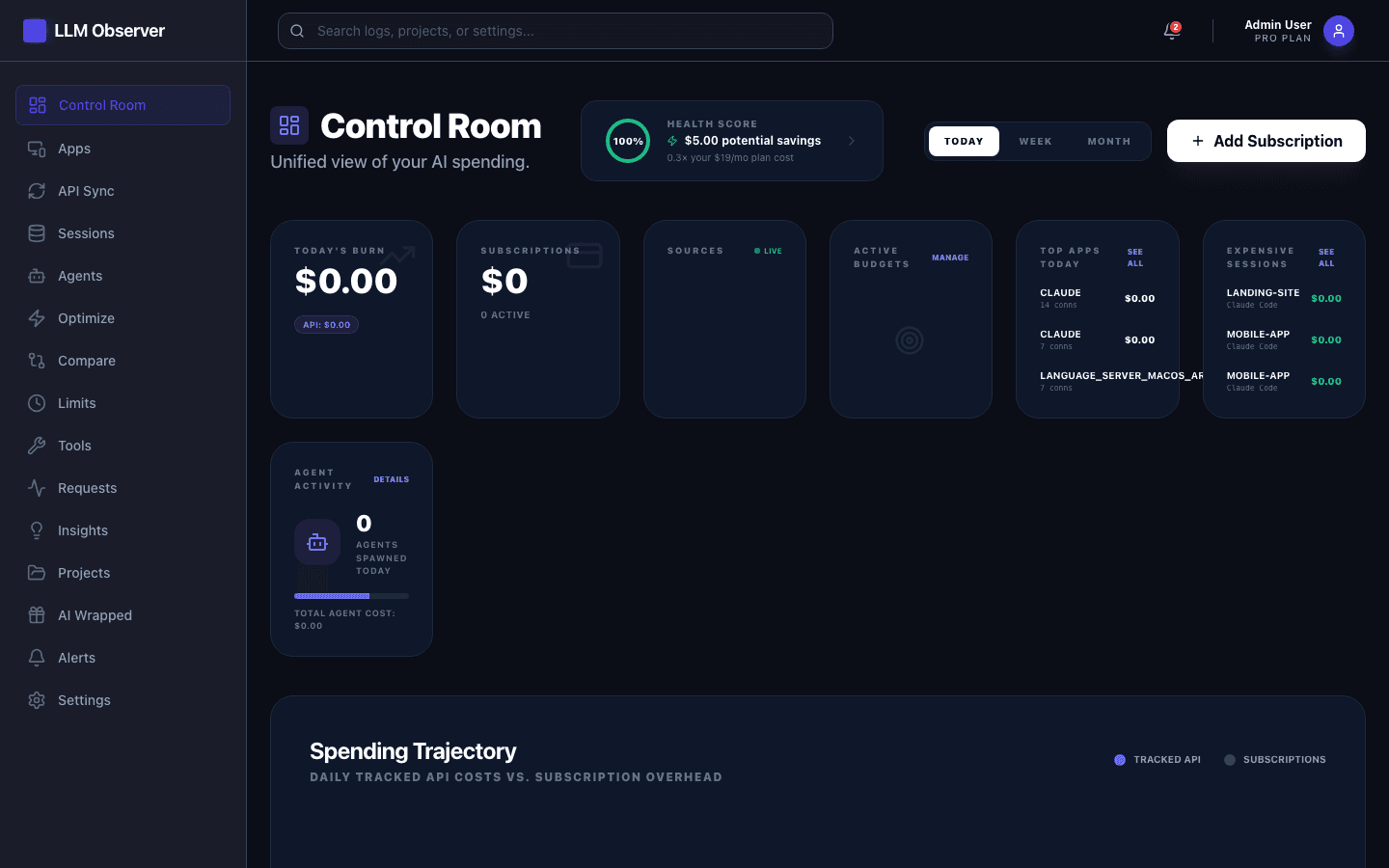
The Control Room is your home screen: today's burn, active subscriptions, budget health score, top apps by spend, and your most expensive sessions - all in one glance. Toggle between Today, Week, and Month to see spending trends.
Session Explorer
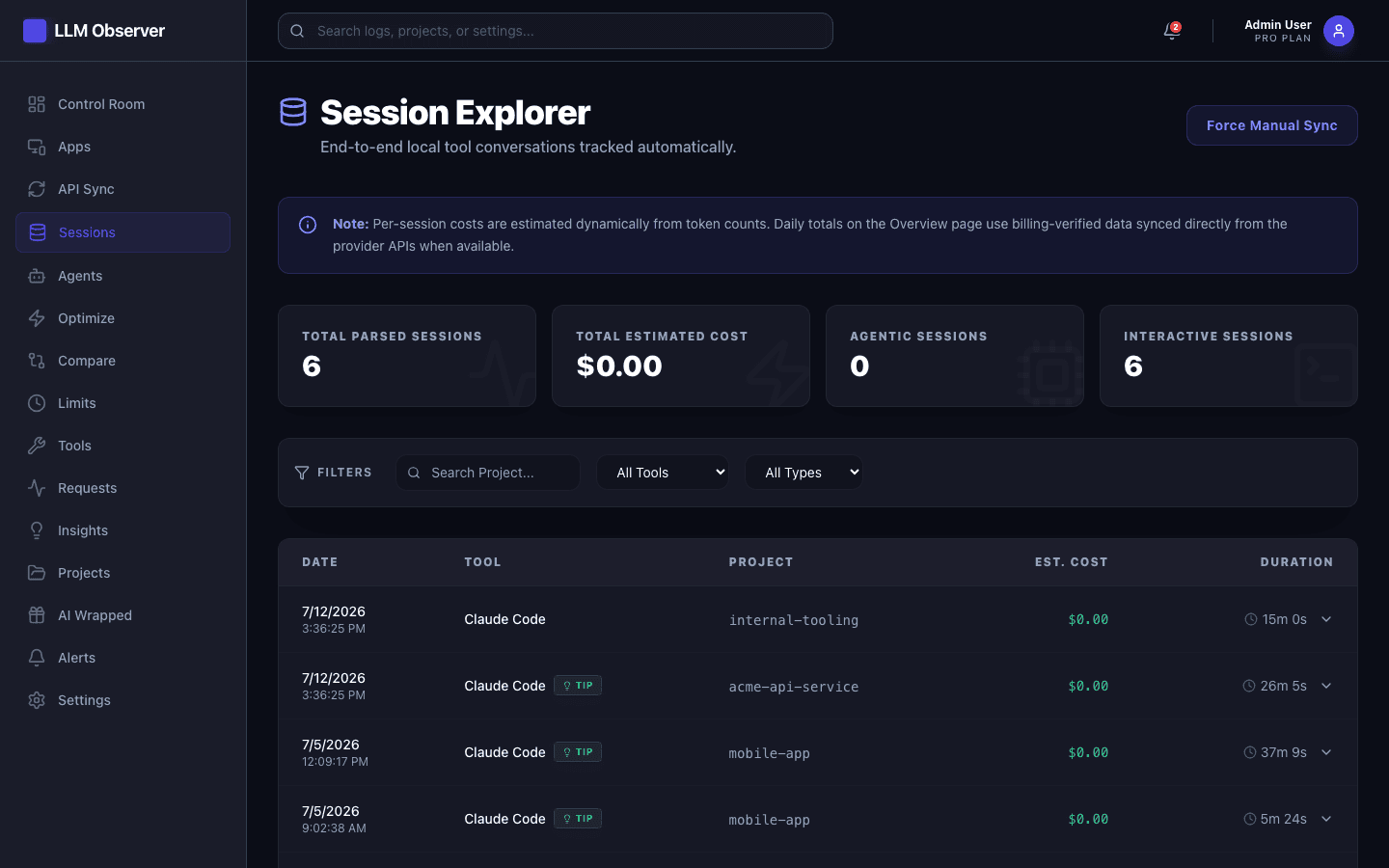
Every local AI coding conversation is parsed automatically into a searchable session list. Filter by tool or session type, then expand any row to see per-session duration, estimated cost, and token breakdown - all computed on-device from your local history files.
Live Traffic
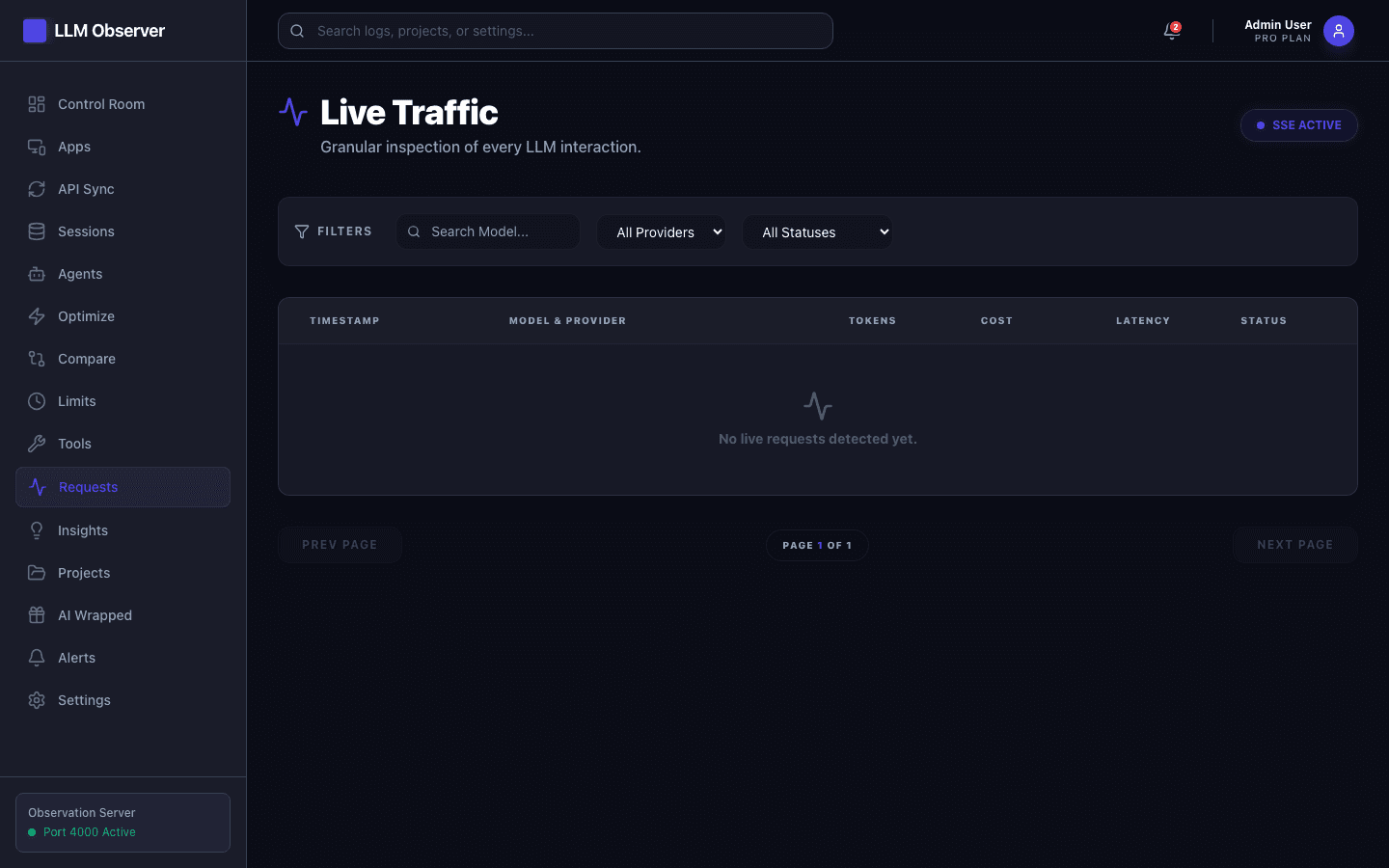
Point your IDE or agent at the local proxy to see every request stream in real time - model, provider, token counts, cost, latency, and status - as it happens, over a live SSE connection.
Cost Optimizer
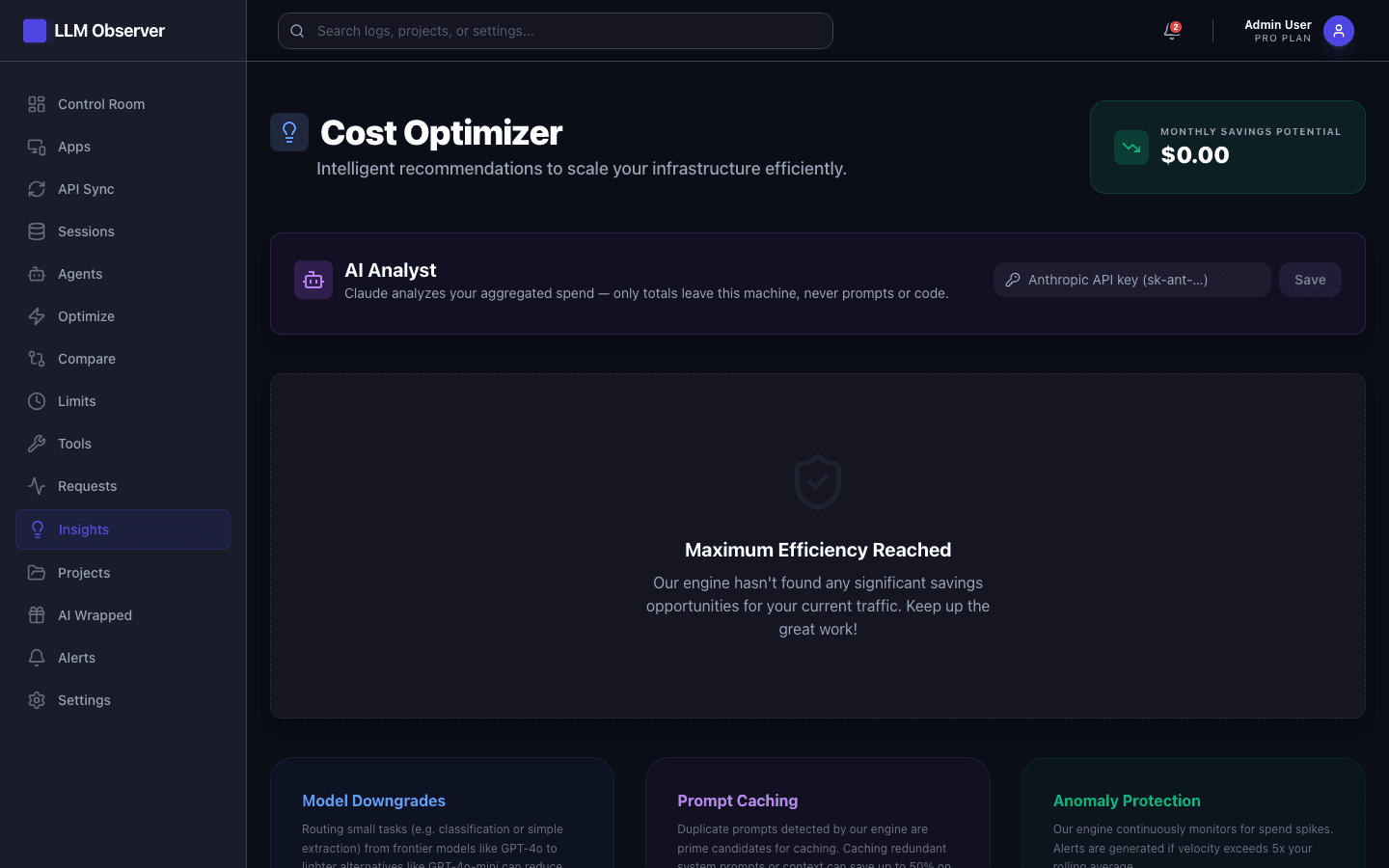
The optimization engine continuously scans your traffic for waste: oversized models on simple tasks, cacheable duplicate prompts, and anomalous spend spikes. Each recommendation shows the exact monthly savings it would unlock.
Rate Limits
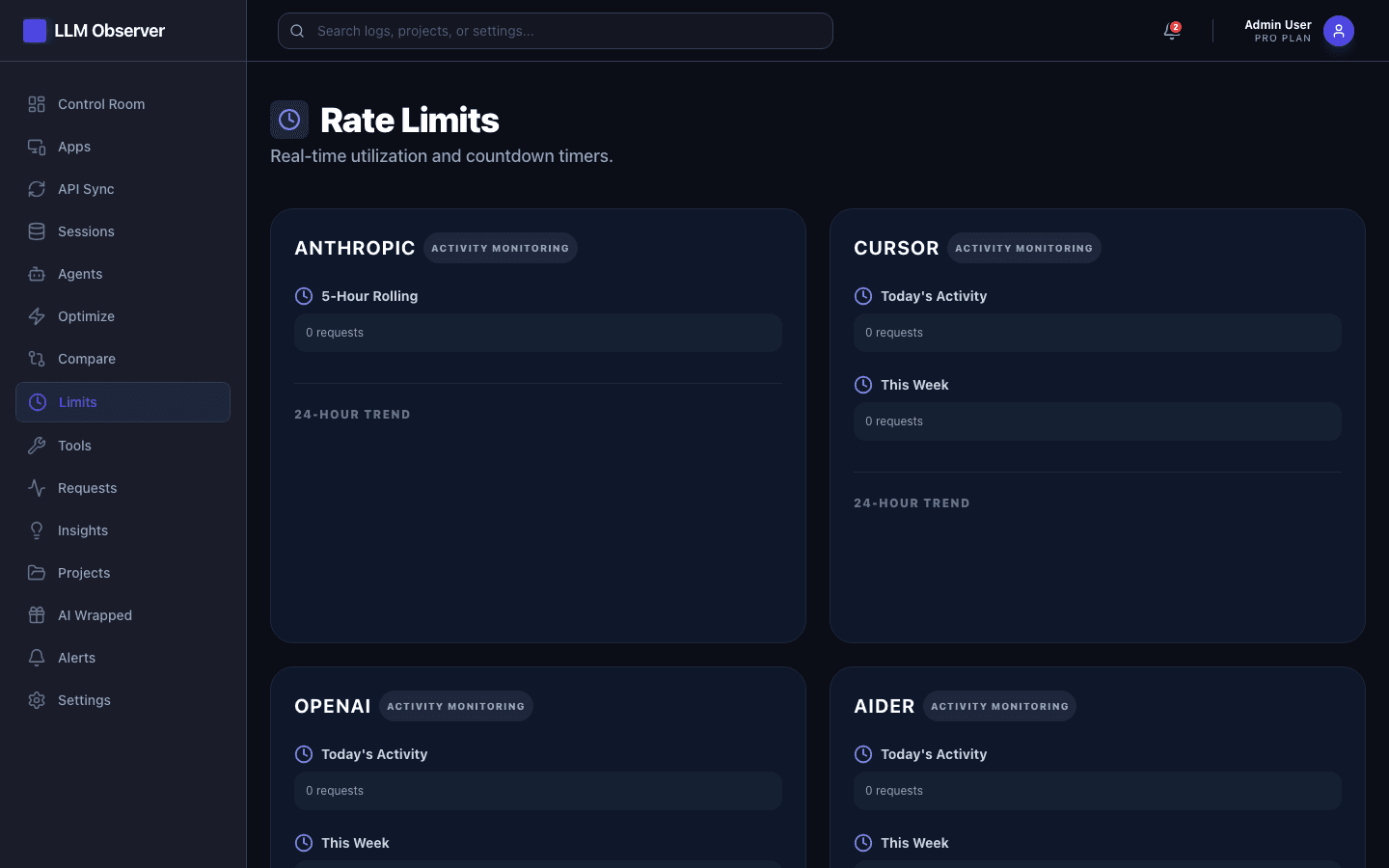
Track rolling rate-limit windows for your API providers, with live countdown timers and a 24-hour activity heatmap, so you know exactly how much headroom you have left before you hit a ceiling.
Projects & Budgets
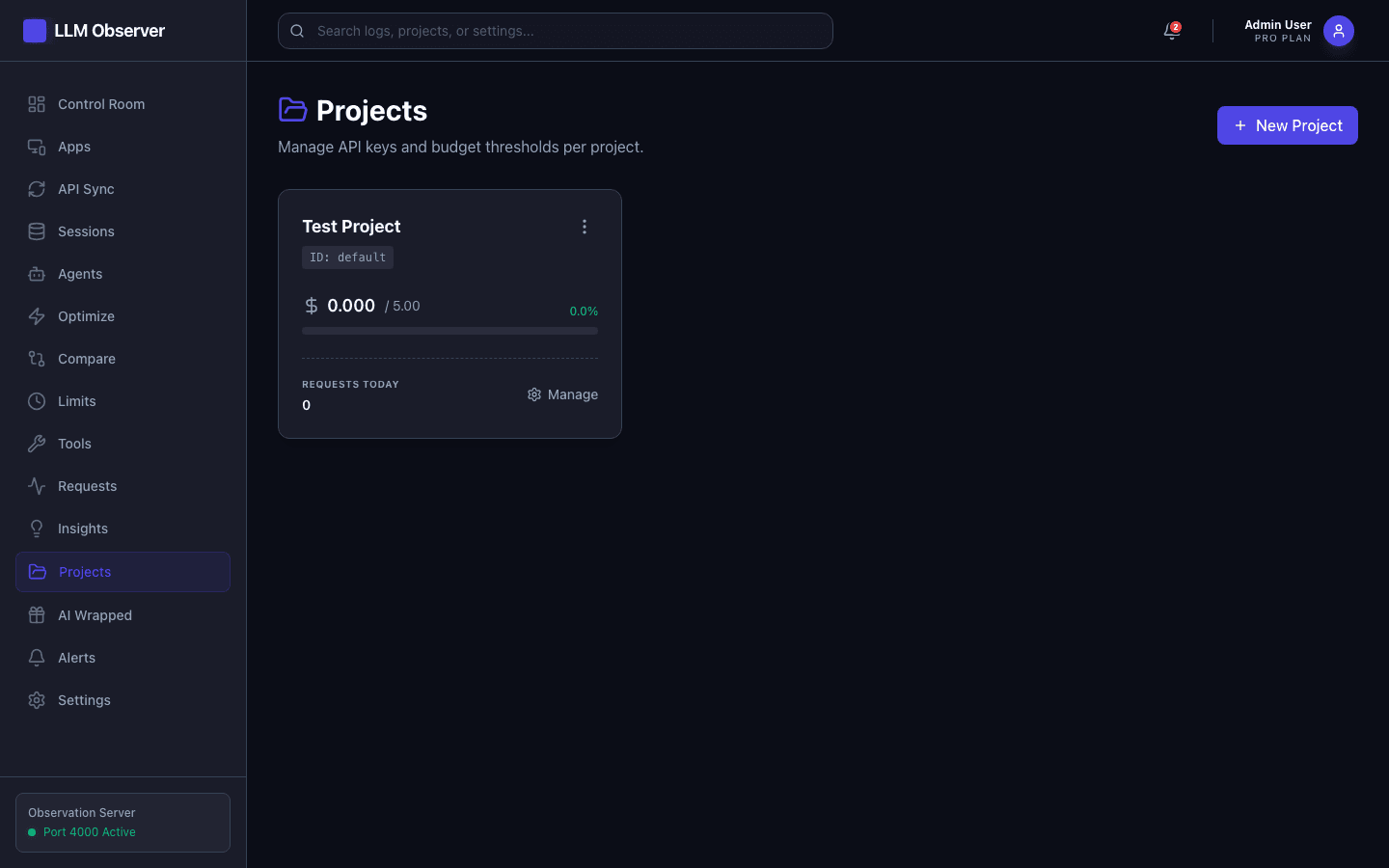
Create a project, issue it a scoped API key, and set a daily budget threshold. LLM Observer tracks spend against that budget in real time and can alert you before you go over.
Ready to see your own numbers?
Install LLM Observer locally and get your Control Room running in under five minutes.